Multiverse debugging
Antithesis’ multiverse debugger gives you two superpowers.
You can time-travel to pull information from the past, present, or future of a reproduction of your bug, with extreme precision. This allows you to ask questions like:
- What was the last network packet that was sent before your process died?
- What was the internal state of your Raft algorithm at the moment a leader has been chosen?
- What was the eventual health-check result of your system after minutes of quiescence?
You can also do destructive analysis, interacting with the system without fear of losing your reproduction. You can take actions like:
- Cause a core dump by killing a key process.
- Take down all secondary nodes and see if a suspected race condition still occurs.
- First choose to step-over in your debugger and later choose to step-into.
Prerequisites
You must set up SSO to use multiverse debugging.
Launching a debugging session
With a multiverse debugger, you can jump in to any moment in the test run and start investigating.
Things you can do
The multiverse debugger allows you to run nearly any bash script in any container at any point in time in the simulation – including in the future!
You can also extract a file from a specified container at a specified point in time.
The basic workflow is:
- Specify a moment in the test run (key in, or select a log line in the viewer).
- Specify a container.
- Run your bash.
- Extract a file if desired.
You can write multi-line scripts, using ; and newline.
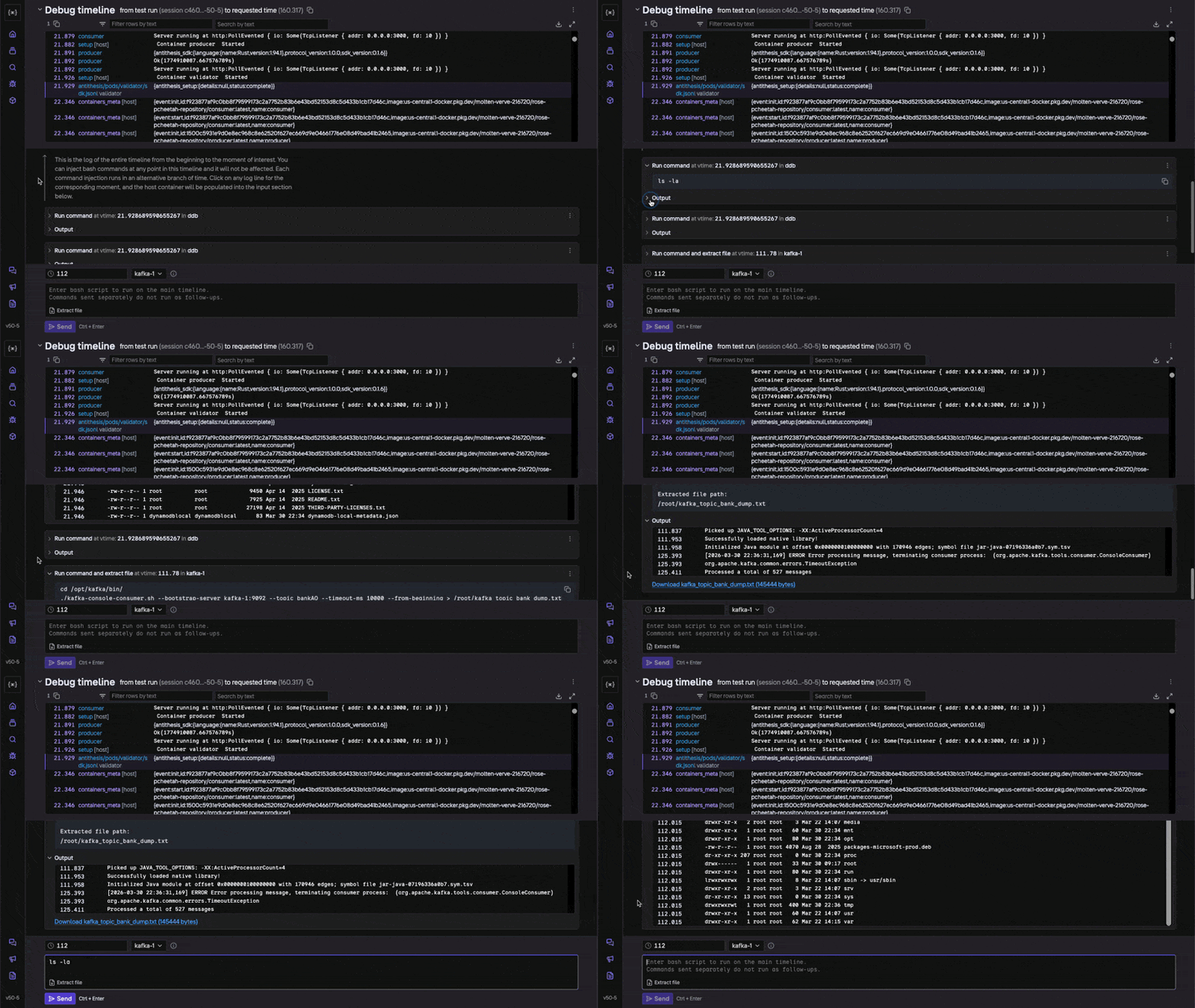
Extract a file
The Extract file button lets you print the output of a process or command with one click.
If you want to extract the output of a process or command ran in the MVD, you can chain the two steps by writing a bash script and providing the path to the file to extract and run them together. Running them separately will not work.
If the file you want to extract already exists in a container, just specify the path to it.
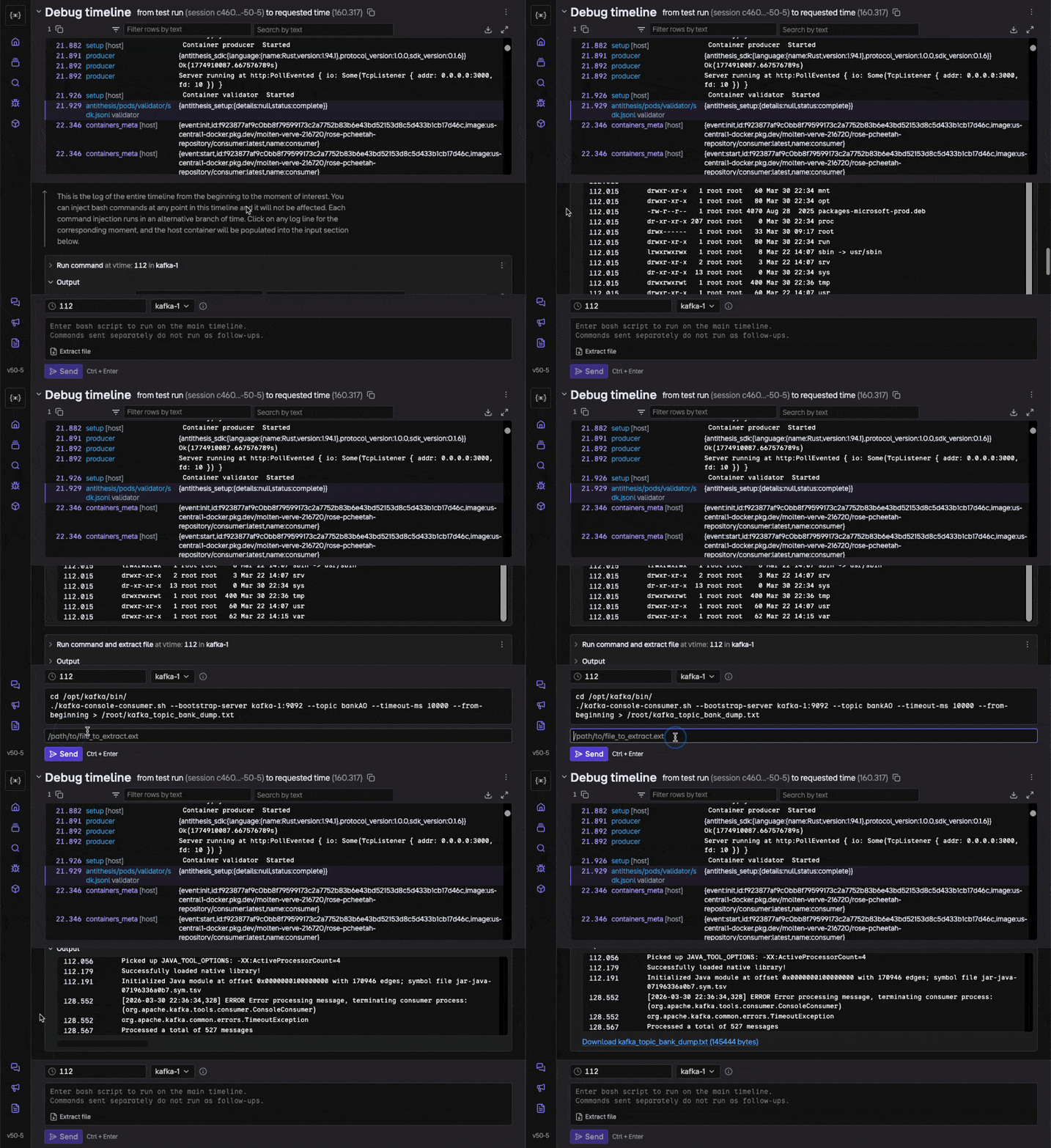
Automate your workflow
Any set of debugging steps that you perform in one of your multiverse debugging sessions can be converted into a script that automatically runs in every one of your tests when a certain kind of bug is found. The results, output, artifacts, etc. are automatically attached to your triage report in the bug details section.
Suppose you often want to know what’s happening in your network three seconds before a segmentation fault. Our triage report can autonomously gather this information for you and have it ready when you open the report. You can still use the Multiverse debugger for the truly hard cases where your scripted steps don’t work.
To get started with custom artifacts, contact us at support@antithesis.com.
Advanced mode
The multiverse debugger offers an advanced mode that allows you to go beyond the capabilities here, but is also a little more complicated to use.
For instance, advanced mode lets you ask a counterfactual, or run an external debugger inside our simulation.
To launch advanced mode, open a debugging session and select “Advanced mode” from the ⋮ menu in the top right. You’ll want to read the docs first.